
nexcrate
Movies, shows and music in one app, with several versions per title. A movie in Full HD and in 4K, without a second instance next to it. Instead of Radarr, Sonarr and Lidarr side by side. Switch over with the files you already have.
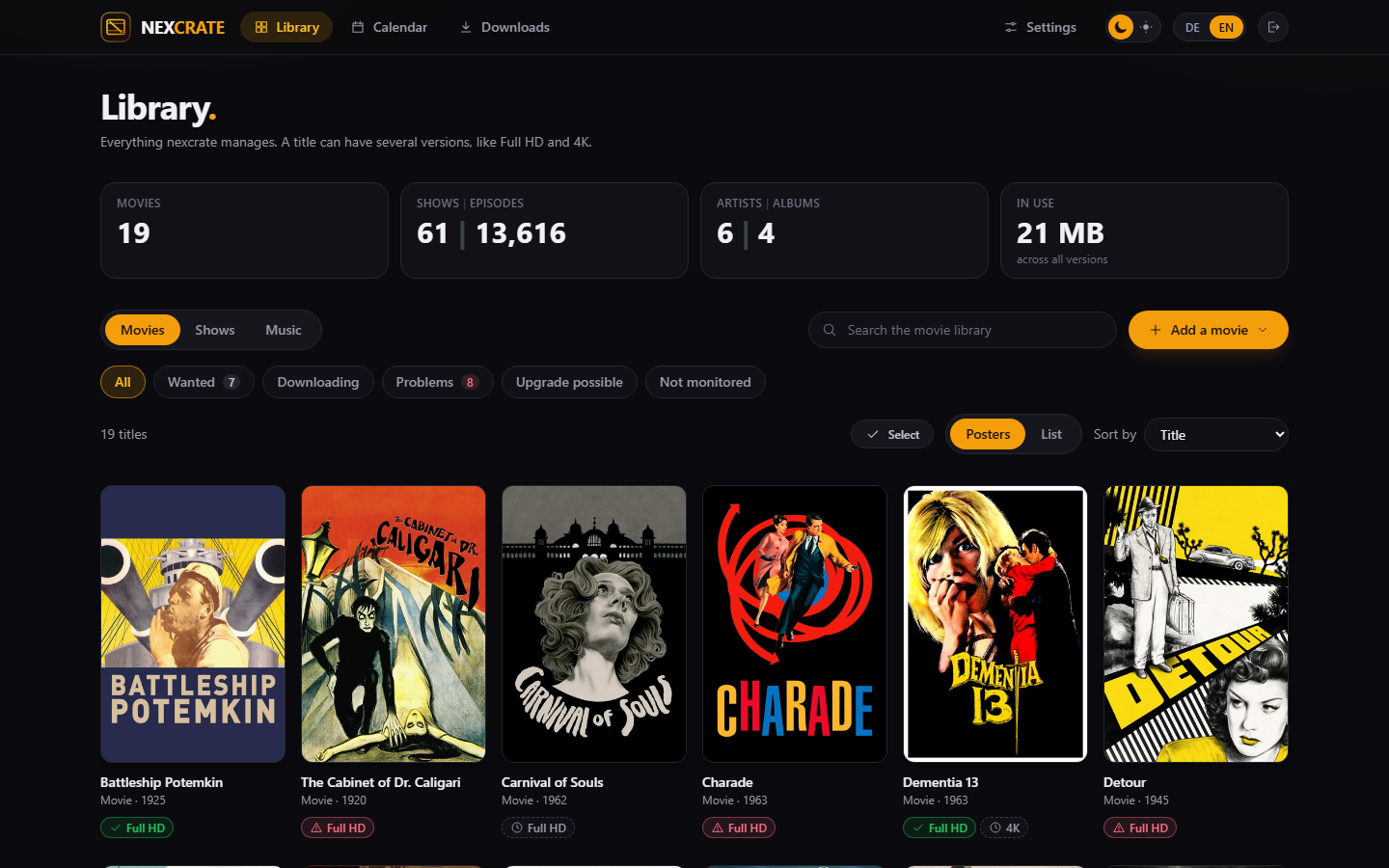
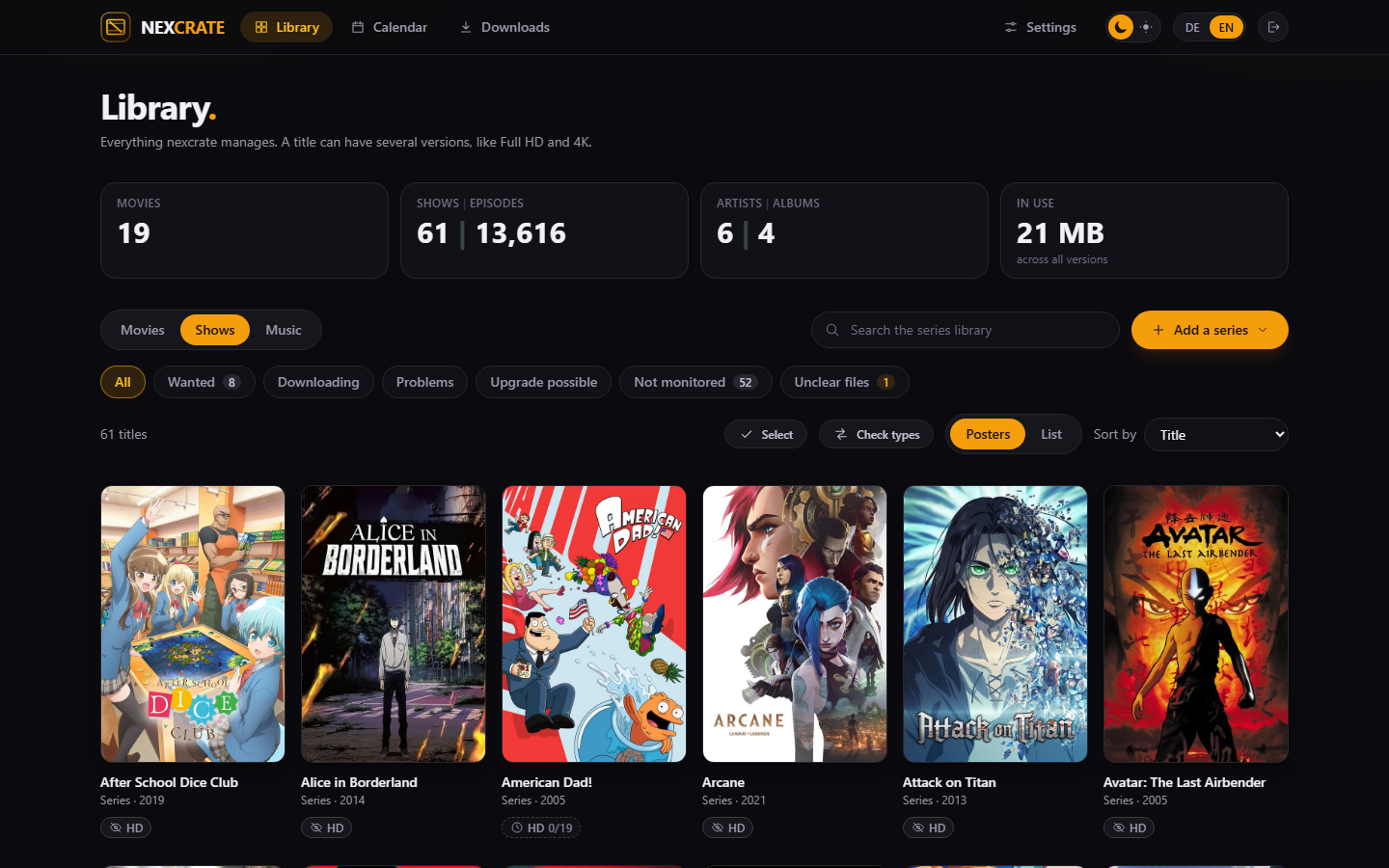
One title, as many versions as you like
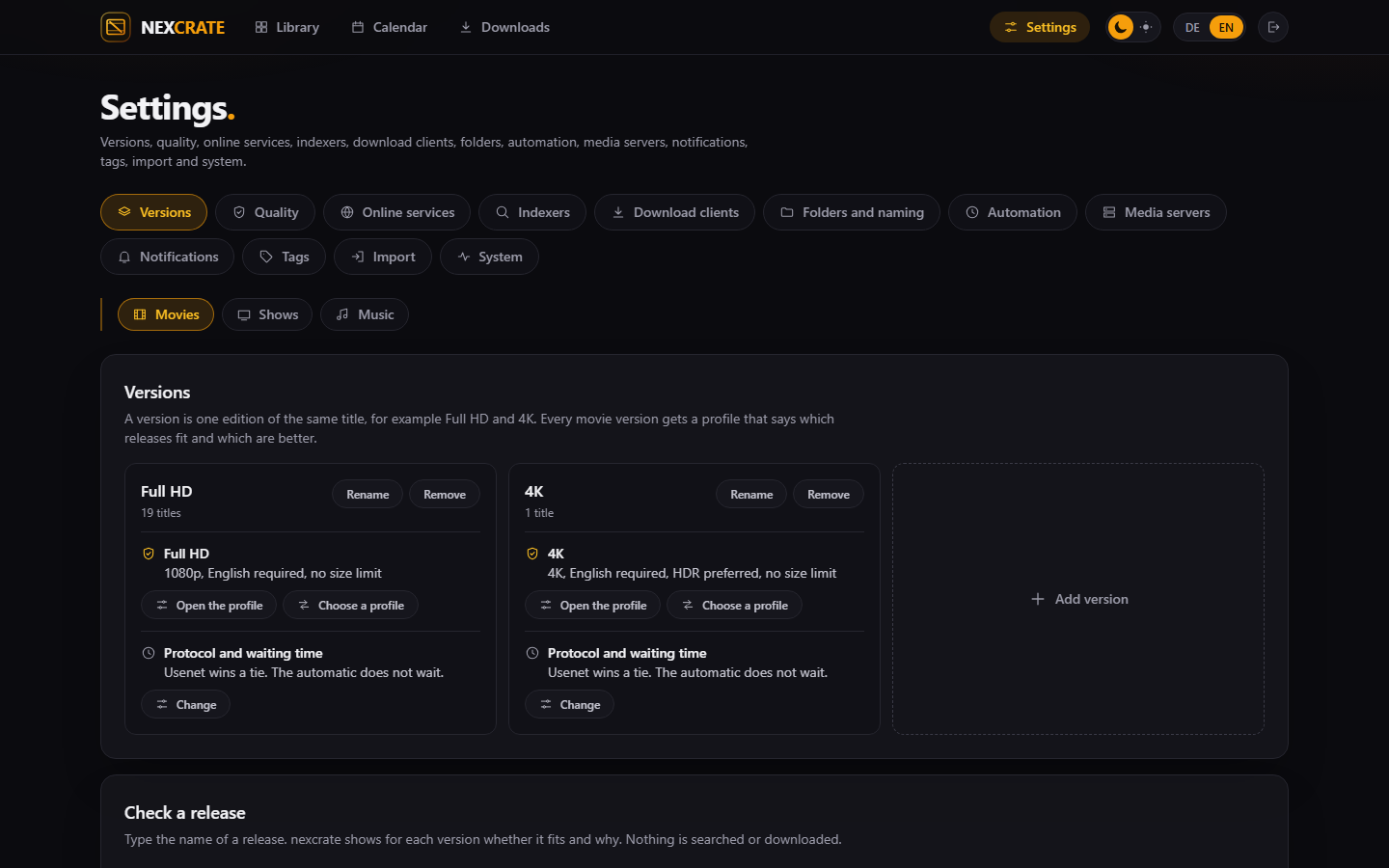
Every version has its own profile and its own folder. Full HD is there, 4K is wanted, and both sit on the same movie instead of in two programs that know nothing about each other.
How versions work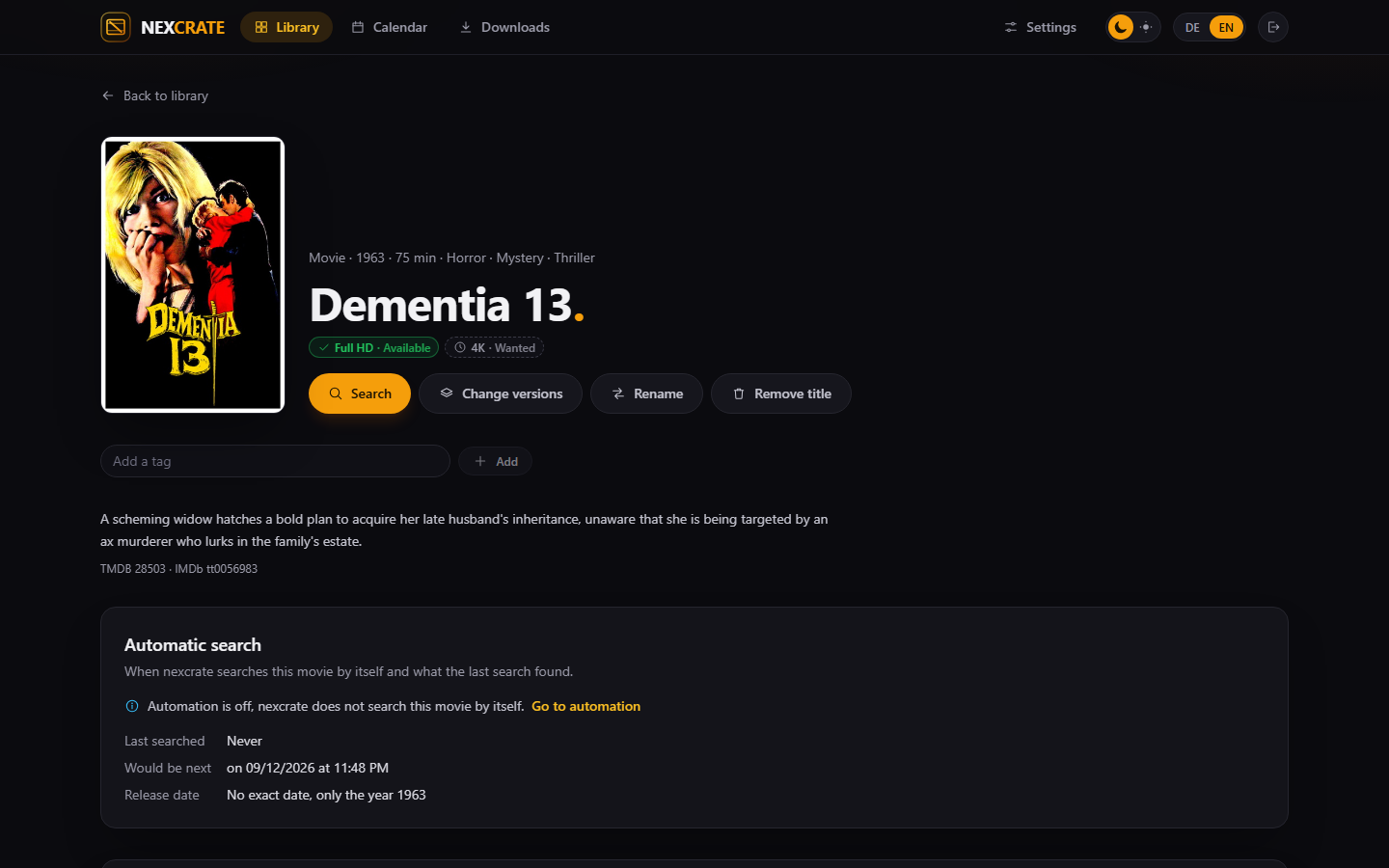
Every decision with its reason
For each version you see which release it would take and why, and for every other one why not. The rules come from the TRaSH Guides, and nexcrate scores them the way Radarr and Sonarr do.
Search and profiles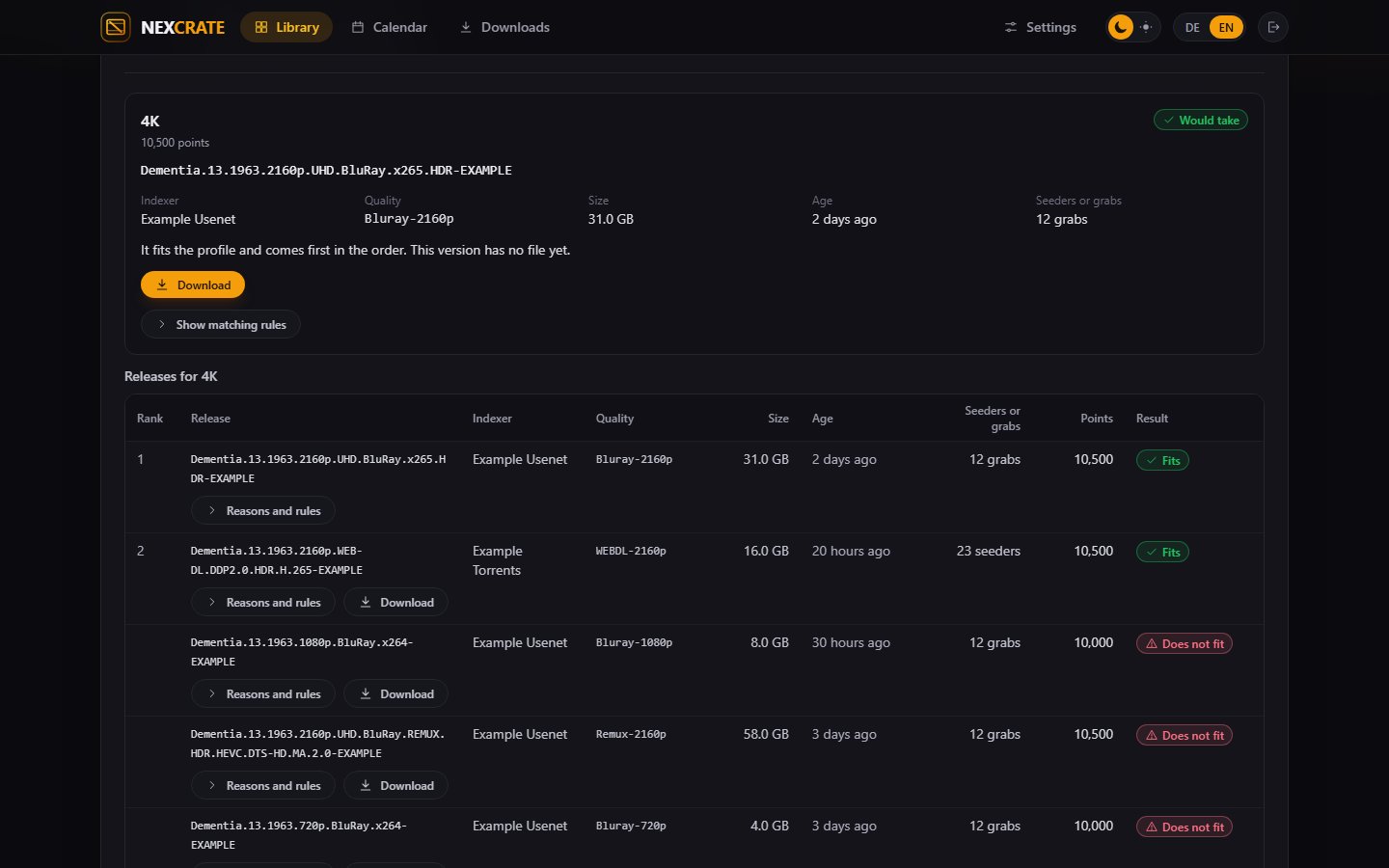
Artists, albums, the release that fits
From MusicBrainz, with covers from the Cover Art Archive. Files are matched to tracks by tags, names and AcoustID fingerprints, and nexcrate writes the tags itself when it files an album away.
Music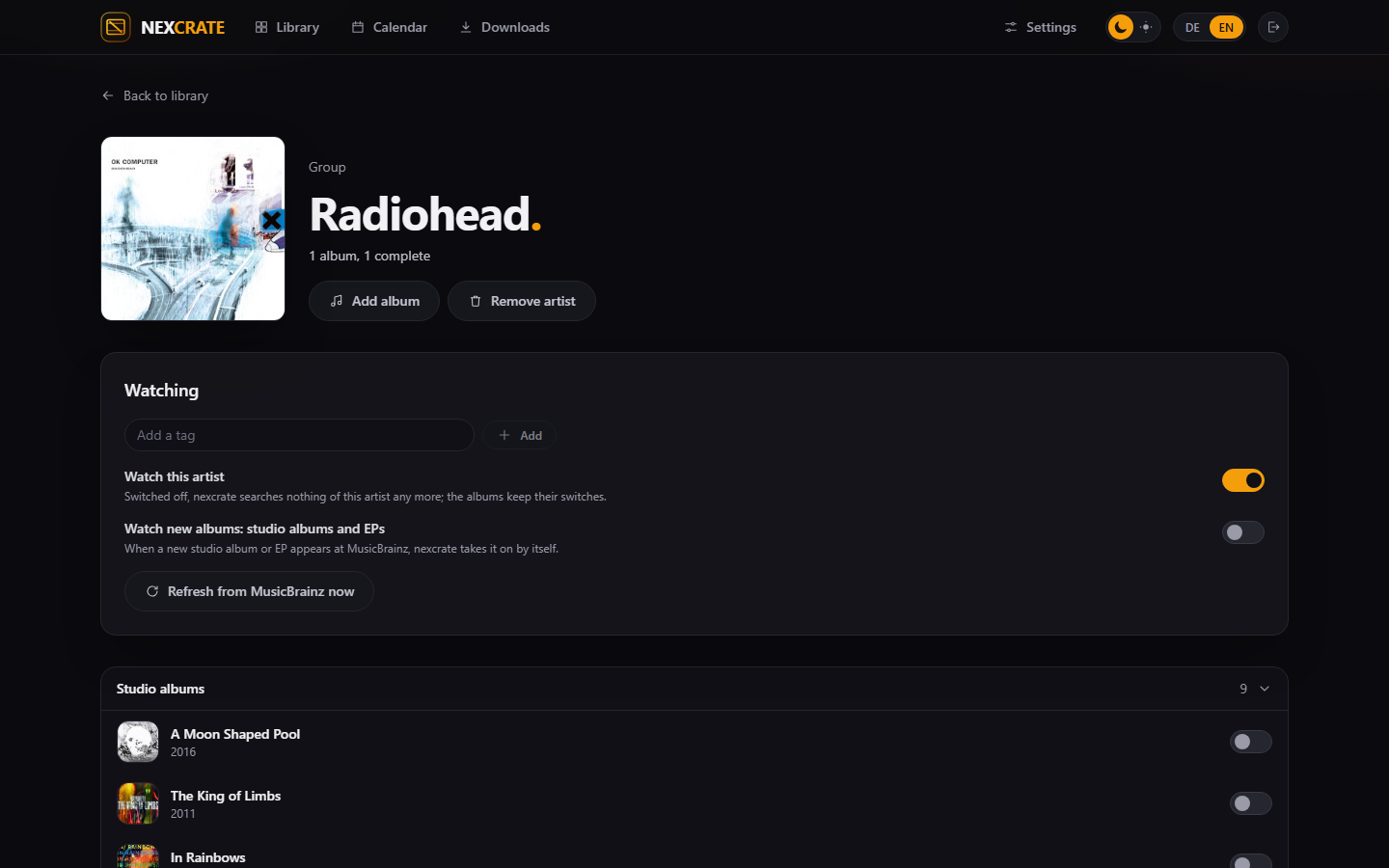
Runs on your machine. No account with us, no cloud, no service in between.
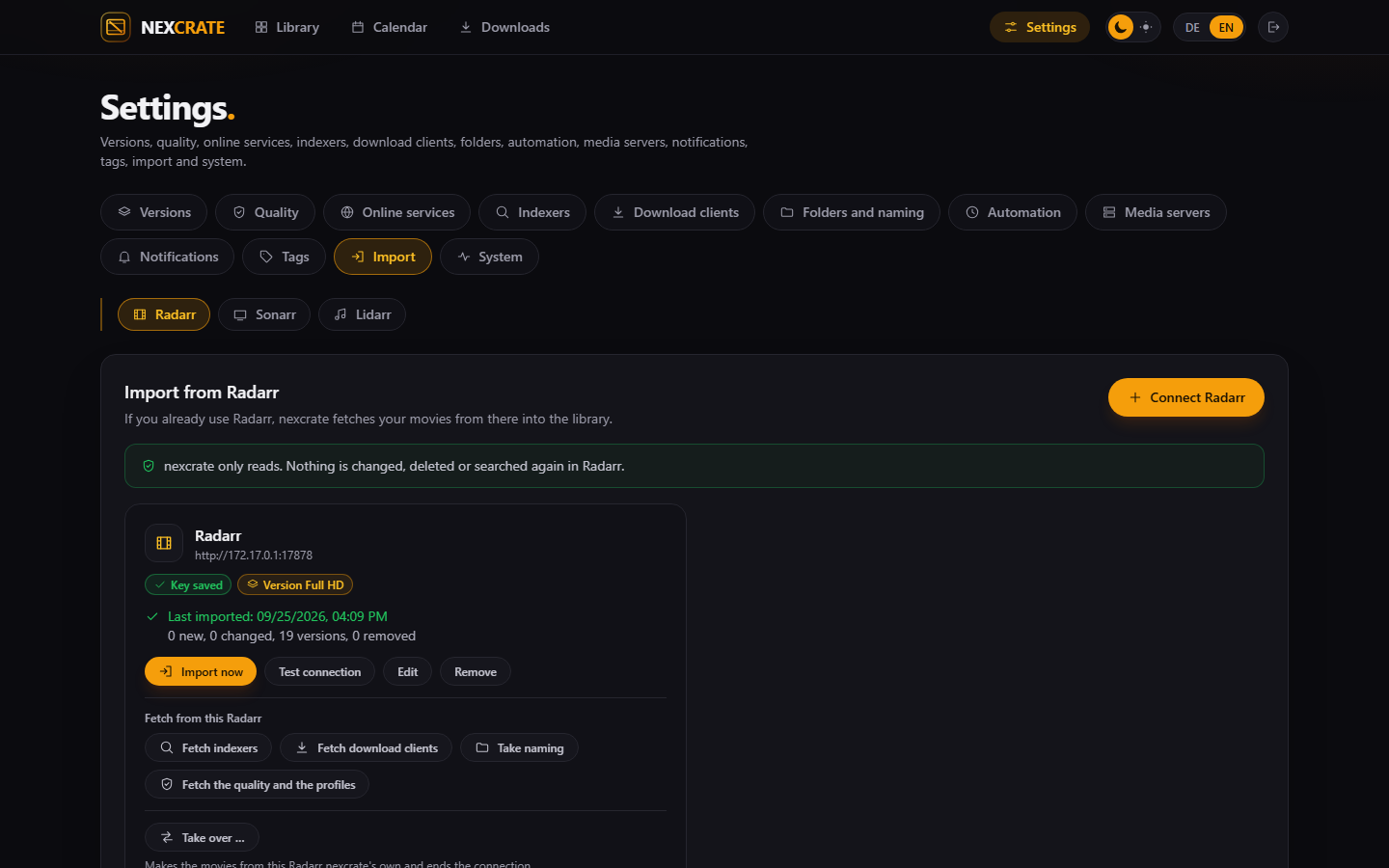
If you run Radarr, Sonarr or Lidarr, your library, profiles, indexers and download clients come along. The files stay where they are.
Why not just Radarr and Sonarr?
If you want a movie in Full HD and in 4K today, you run two Radarr. Two libraries, two queues, two sets of profiles, and neither knows what the other already has. Add shows and music and you quickly have five programs for one collection.
In nexcrate the version is part of the title. A movie has a Full HD version and a 4K version, each with a profile, a folder and a naming. A search decides for every version on its own, and you see in one place what is missing.
Profiles come from questions you can answer: which resolution, which source, which languages, how large. Behind them are the rules of the TRaSH Guides, already worked in. If you want more control, you set every number by hand.
Four ways on
What nexcrate does, how to set it up, how to come over from the Arr programs, and how other programs talk to nexcrate.
 Features
Versions, profiles, movies, shows, anime and music, search and downloads, calendar, notifications, backups.
Features
Versions, profiles, movies, shows, anime and music, search and downloads, calendar, notifications, backups.
- Versions
- TRaSH
- Anime
- Music
 Setup
From an empty container to the first download: TMDB, versions, profiles, folders, indexers, download clients, automation.
Setup
From an empty container to the first download: TMDB, versions, profiles, folders, indexers, download clients, automation.
- Step by step
- Starting fresh
 Switching over
From Radarr, Sonarr and Lidarr, with library, profiles and files. Then Nexview and nexbeat from ARR mode to NEX mode.
Switching over
From Radarr, Sonarr and Lidarr, with library, profiles and files. Then Nexview and nexbeat from ARR mode to NEX mode.
- Radarr
- Sonarr
- Lidarr
- NEX mode
 API
A fixed contract under
API
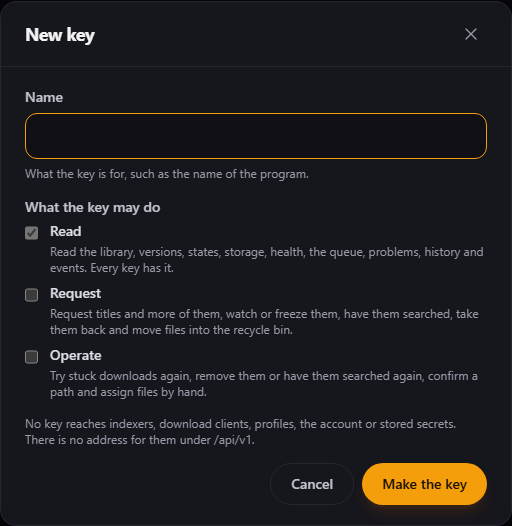
A fixed contract under /api/v1 for other programs: keys with scopes, pairing, events, webhooks.
- Keys
- Pairing
- Events
- Reference
nexcrate fetches, the others request
nexcrate has a single account and no request page for the family. That is on purpose: wishes, rights and storage per person belong in Nexview, music wishes in nexbeat. Both talk to nexcrate through the same interface that is open to everyone.
- Nexview has two modes from version 1.0.0: ARR with Radarr and Sonarr, NEX with nexcrate. In NEX mode your people pick a nexcrate version when they request instead of standard or 4K.
- nexbeat requests albums and artists from Lidarr or from nexcrate, whichever you choose.
- nexdeck shows nexcrate's queue, stuck downloads and what arrived last as cards. A stuck download can be nudged right there.
One container, one file
No database next to it, no cache. nexcrate brings SQLite along and keeps everything in one folder.
# Make a folder, fetch the compose file, start
mkdir nexcrate && cd nexcrate
curl -fsSL https://raw.githubusercontent.com/DerKezorm/nexcrate/main/docker-compose.yml -o docker-compose.yml
docker compose up -d
Then nexcrate is at http://your-host:8390. Create the account right away: whoever reaches a fresh installation first gets it.
What it is not
A project that names its gaps itself does not have to explain them later.